
Monkey Mart
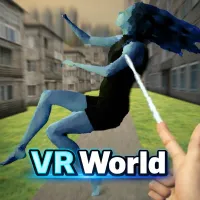
VR World
Shift to Drift
Shift to Drift
Fish It Online
Fish It Online
Crazy Taxi
Crazy Taxi
Lift Off
Lift Off
Stickman: Hooks
Stickman: Hooks
Rooftop Run
Rooftop Run
No Pain No Gain - Ragdoll Sandbox
Skip It!
Skip It!
Knife Master
Knife Master
Dino Game Unblocked
Dino Game Unblocked
Ice Baby Quest 2
Ice Baby Quest 2
Pinball Master
Pinball Master
Ragdoll Flip
Ragdoll Flip
Retro Blaster
Retro Blaster
Granny 2: Asylum Horror House
Dinosaur Evolution
Dinosaur Evolution
Five Nights at Freddy's 3
Playground Man! Ragdoll Show!
Crazy Fish
Crazy Fish
Tag
Tag
Rob a Car
Rob a Car
Orbit Rush
Orbit Rush
Sorry Bob
Sorry Bob
Deadly Catch!
Deadly Catch!
Five Nights at Freddy's
Granny
Granny
Golf Puzzle
Golf Puzzle

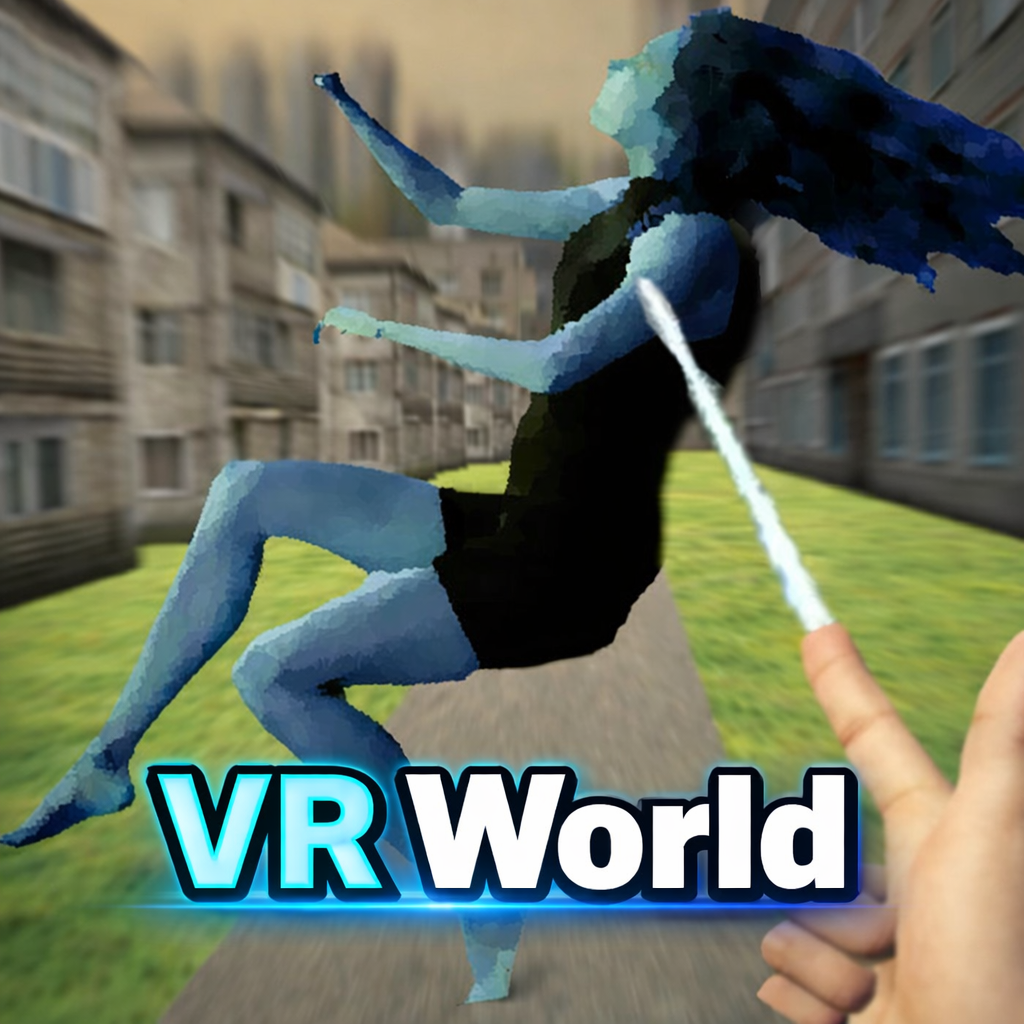
All the characters in VR World stand still on an empty stage, waiting for the user to control their destiny. Behind the scenes, you act as a director, controlling even the smallest movements.

Touching Another World Easily

With just a mouse and keyboard, you can control tiny people like lively puppets. Instead of completing fixed tasks, players are dropped into an open space with everyday activities. Each character has a simple shape but flexible movements, ready to be pulled, pushed, or interacted with as desired. You can create humorous, chaotic, or orderly situations with just a few clicks.

Controlling People Like Digital Puppets

Players can pull the character's arms, legs, and torso, much like controlling puppets with strings. In combat, characters collide with clumsy but highly realistic movements. They respond to the player's physical demands while they're working. This isn't about precise, one-shot combat, but rather a combination of physics and randomness. A misstep when driving an ambulance may humorously derail a mission, and a botched pull might drop the player.

Simple Yet Capable Control System

Computer players utilize W, A, S, D to move, the mouse to adjust the camera, and E to enter the interaction panel. On a phone, the virtual joystick handles movement, while the camera buttons on the right allow for observation of the surrounding space. Interaction can be done by touching the character or directly dragging their body parts, depending on the mode enabled. This control method feels like you're controlling a 3D model with your hands, rather than just giving commands remotely.

Simulated Stages For Imagination

Be the first to comment