Monkey Mart
Roominate: Room Creator
Idle Restaurant Tycoon

Idle Factory Empire

Idle Factory Empire
Racing Ball 3D
Racing Ball 3D
Elastic Man
Elastic Man
Cooking Shawarma Idle Game

Brush Jjaemu

Brush Jjaemu
Ruby Raid
Ruby Raid
Garfield War
Garfield War
Hole Arena
Hole Arena
Bow Battle
Bow Battle
Snow Riders
Snow Riders
Space Waves 3D
Space Waves 3D
World Cup 2026 Soccer Game
Office Fury

Office Fury
Dynamons World
Dynamons World
Red Face Horror
Red Face Horror
Escape Road 3
Escape Road 3
Lift Off 2
Lift Off 2
Stick Hero RPG
Stick Hero RPG
Astro Tycoon
Astro Tycoon
Escape Animals
Escape Animals
Wave Rider
Wave Rider
Flip Rush
Flip Rush
Ragdoll Launcher
Ragdoll Launcher
Wacky Steps
Wacky Steps
Awesome Dummy
Awesome Dummy
2048 Rogue
2048 Rogue

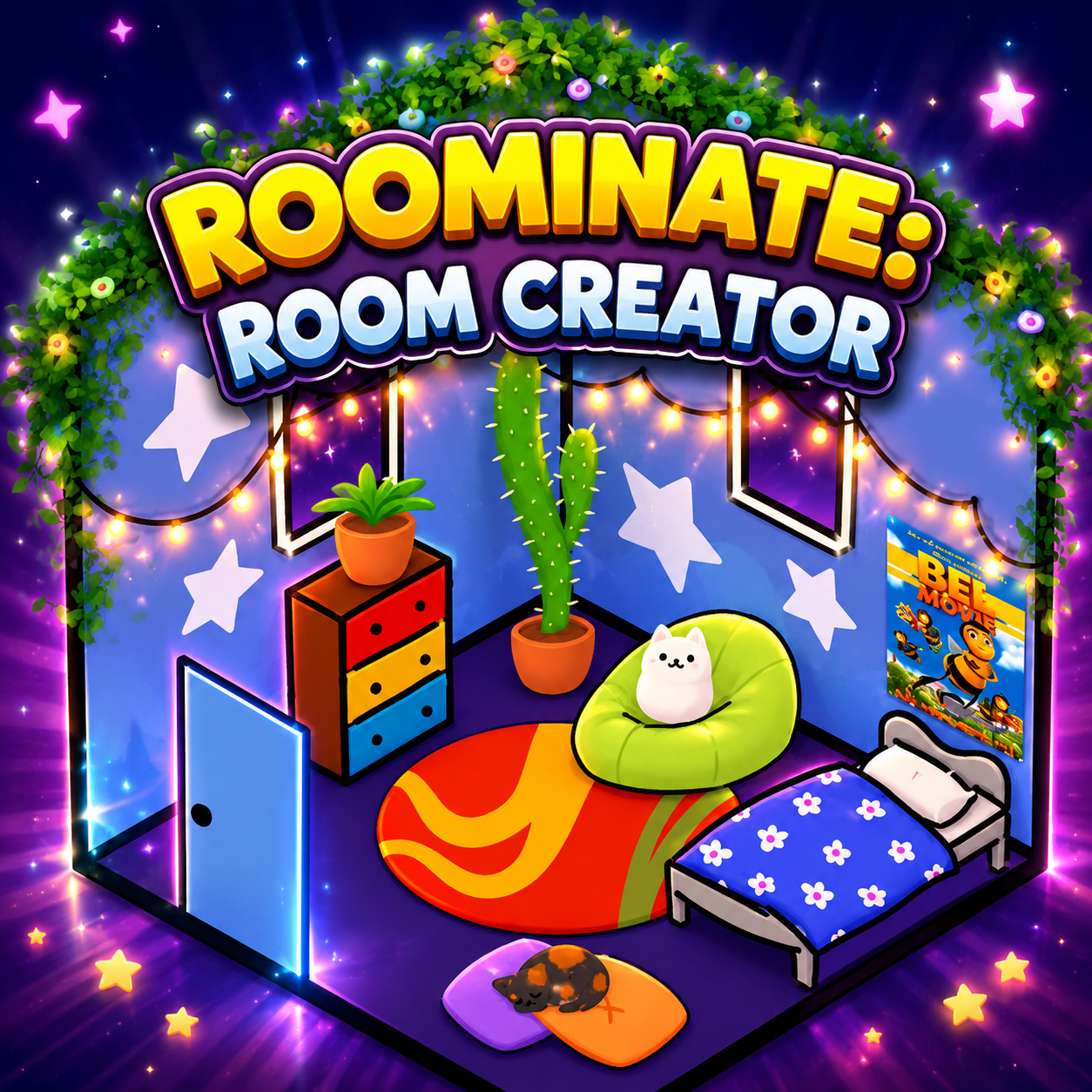
Roominate: Room Creator is a declaration for souls yearning to create their own private paradises. Here, your ideas can flourish from the very first floor tiles and paint strokes.

Freedom To Carve Space

You'll begin by selecting exquisite patterns for each section of wall and floor. Transform lifeless geometric shapes into works of art with depth and clearly reflect the unique personality of the creator. Each choice of pattern or color palette is a crucial step in shaping the appearance of your dream room. The tranquility of space intersects with the vibrancy of modern design thinking. Gameplay allows users to explore with minimalist, ornate, traditional, and futuristic styles. Everything is under the control of powerful clicks. This is the time to cast aside all preconceived notions about home decoration and start building your own world.

The Power Of Space Carving

The control system in this world is truly a small revolution, allowing players to deeply influence each piece of furniture. The main interface grants you the ultimate power to flexibly switch between two distinct operating modes. Move objects using the cursor icon or carve their appearance using the powerful magic hammer icon. With the movement mode, you may arrange things in the best possible way, make creative angles, and maximize space. Customization mode lets you customize the item's form and look with a wealth of design possibilities. Some accessories are still being finalized, but the existing selection is adequate to make unique arrangements. Understanding the difference between these two tools will help players master the rhythm of arrangement, avoiding initial confusion. Careful consideration of each accessory's placement reveals your level of refinement, as does the creative goal behind each piece.

Developing An Artistic Ecosystem

Be the first to comment